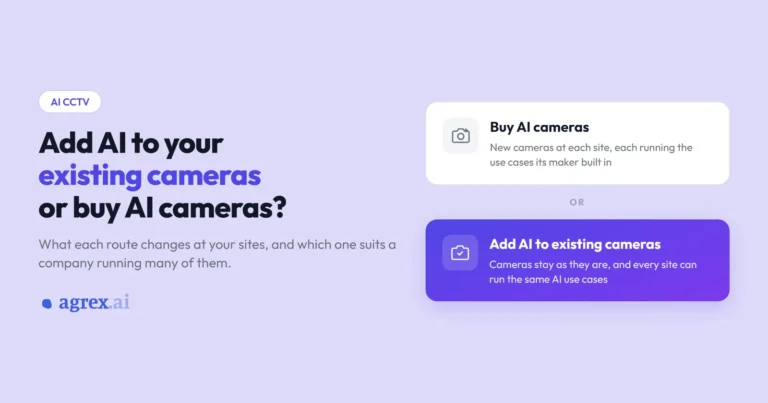
AI CCTV uses software to monitor CCTV footage for the events you care about, such as a person in a restricted zone or a truck waiting too long at a dock, and alerts the right person without anyone watching screens. There are two ways to set it up: buy cameras with AI built in, or add AI to the cameras and recorders you already have.
If you run one warehouse with a dozen cameras, either route can work. If you run forty warehouses, each wired up in a different year with whichever brand was on offer at the time, it turns into a bigger question: what has to change at every site, how long it takes to cover all of them, and whether every site ends up running the same AI use cases. This article is for that second case.
For a company running many sites, adding AI to the cameras it already has is usually the better route. The cameras stay as they are, every site can run the same AI use cases whatever brand it uses, and you add new use cases in the software. Buying AI cameras suits a narrower set of cases.
What does AI CCTV do?
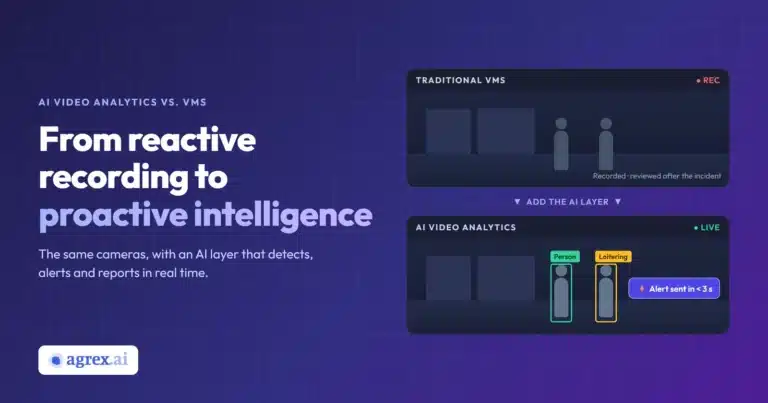
AI CCTV watches video from your cameras as it arrives and flags the moments you have asked about. Most CCTV was built to record: footage sits on an NVR or DVR at each site, and someone goes looking through it after a pallet goes missing or a truck leaves late. AI CCTV is one practical use of AI video analytics.
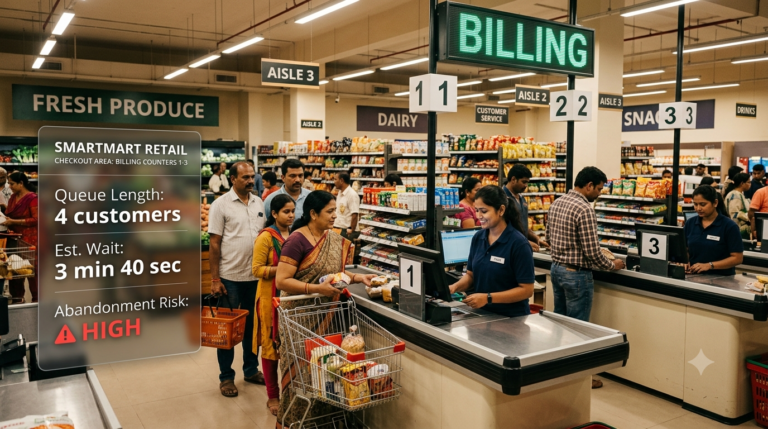
In a warehouse or logistics hub, AI CCTV can record when each truck arrives at a dock and when it leaves, or flag a truck that drives out with its load uncovered. It can also notice that the security post at the gate has been empty for twenty minutes, or catch boxes being thrown during loading.
Whether the AI runs inside the camera or on the cameras you already have, the right person gets an alert while the dock bay is still empty, from every site at once, instead of someone spotting it in recorded footage days later. The alert shows what happened. Your team still works out why, whether it was a late truck, a staff shortage or a booking mix-up, and can act while there is still time.
How does AI CCTV work?
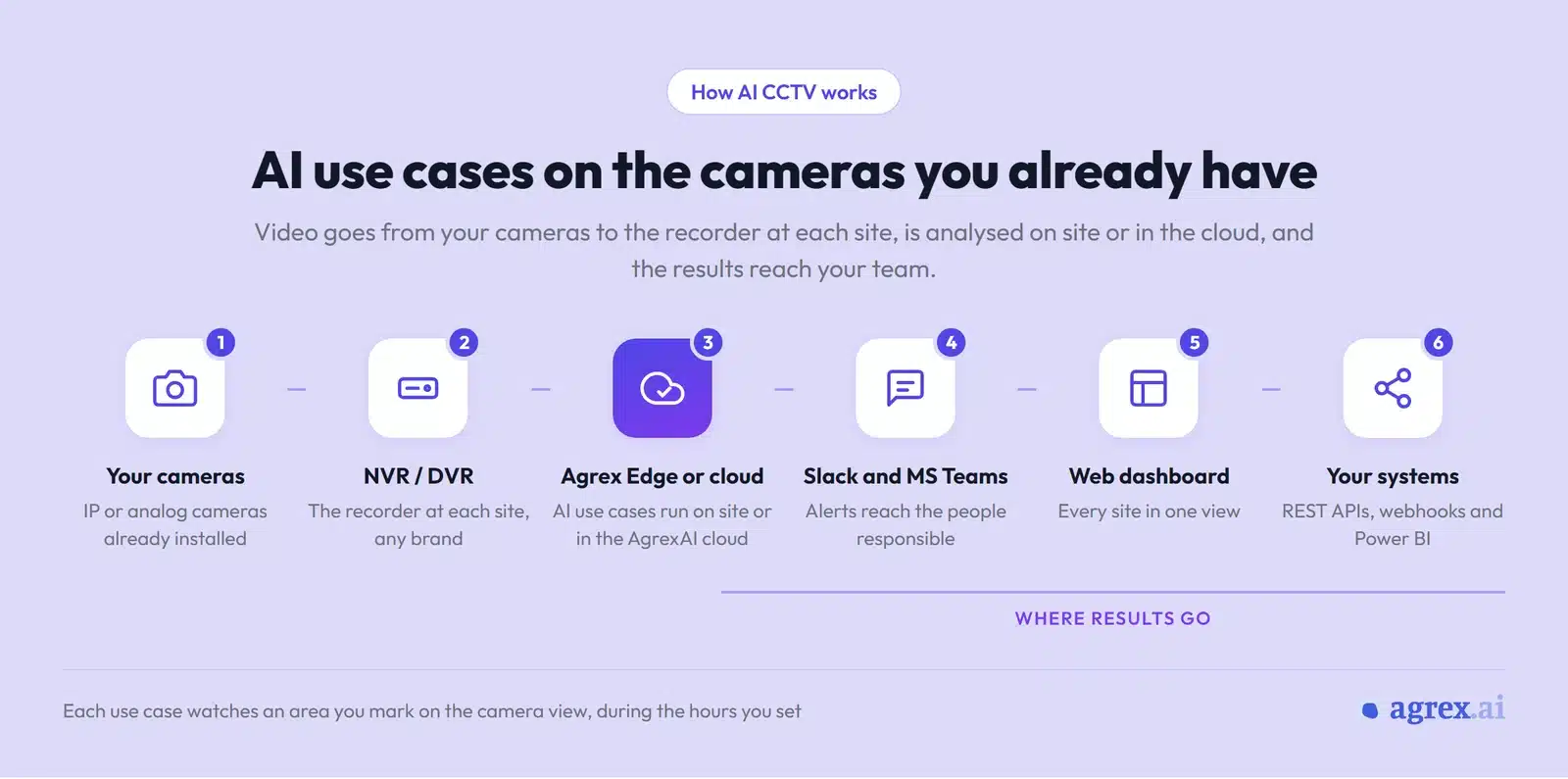
In an AI camera, the analysis runs inside the camera itself. When you add AI to the cameras you have, the software reads video from the recorder at each site, the same feed that is already being recorded. The analysis runs in the cloud or on a device at the site, using the AI use cases you have set up, each one limited to an area of the camera view and to the hours you choose.
When a use case detects an event, the people responsible get an alert on Slack or Microsoft Teams as it happens, and the event appears in a web dashboard covering every site. The same data can flow to other systems through REST APIs, webhooks and Power BI.
What can AI cameras do?
Higher-end AI cameras read number plates, recognise faces and check whether people are wearing safety helmets, masks or gloves, all inside the camera. Software added to existing cameras can run the same AI use cases: AgrexAI reads number plates, recognises faces and detects safety gear on the video your cameras already record. The two routes differ in where the analysis runs and how easily you can change it.
The limits of AI cameras show up when you try to run the same use cases across many sites. Each camera model runs the use cases its maker built into it, and some models run only one or two of them at a time. Getting a particular use case usually means buying the model that offers it and mounting it for that job. A dock camera that should log dock times, watch for uncovered trucks and check safety gear may need more than one camera, or a different model. Across sites with mixed camera brands, running the same use cases everywhere means standardising on one maker’s range and replacing the cameras that don’t match.
What changes when you add AI to the cameras you have
Adding AI to existing cameras leaves the cameras as they are. Software connects to the recorder at each site and analyses the video from every camera attached to it. With AgrexAI, each site is connected through its NVR or DVR, whatever the brand, and the AI use cases run in the AgrexAI cloud or on site with Agrex Edge.
You choose the use cases for each camera from the dashboard. One camera can run several of them, each limited to an area you mark on the camera view and to the hours you set, so a use case watching the loading bay doesn’t raise alerts for the car park next to it. When your needs change, you add a use case in the software rather than buying another camera. AgrexAI offers more than 200 ready-made use cases, and its team can build new ones when a site needs something that isn’t on the list.
The same dashboard gives you live view and playback for every camera across your sites, and an assistant you can ask in plain English, for example how long trucks waited at each dock yesterday. It can answer, build the report or raise a ticket for the right person.
Every AgrexAI customer uses the cameras it already had. One of our customers in consumer goods runs AI use cases on more than 250 cameras across its warehouses, covering boxes thrown during loading, people without safety gear, and smoke.
Connecting existing cameras also shows which ones are not working. The camera health view lists offline cameras and recorders at every site, along with failing hard disks, blocked or tampered cameras, and days in the past month with no recording. One of our customers in logistics uses it across more than 13,000 cameras at close to 200 sites.

Expert insight
“Every company we work with already had cameras at its sites. What they were missing was a way to run the same AI use cases across all of them, so that one site could be compared with the next. Starting with those cameras means a use case you switch on from the dashboard can run at every site, without buying new cameras for each one.”
Arush Kakkar, Founder & CEO, AgrexAI
How the two routes compare
The biggest differences between buying AI cameras and adding AI to existing cameras are what changes at each site and whether every site can run the same use cases.
| Buy AI cameras | Add AI to existing cameras | |
|---|---|---|
| What changes at each site | New cameras are bought, mounted and wired | The recorder is connected over the internet; cameras stay as they are |
| Which AI use cases you get | The use cases built into each camera model | Use cases chosen camera by camera in the software |
| Use cases running on one camera | Some models run one or two at a time | Several per camera |
| Adding a use case later | Depends on the model and the maker’s updates | Picked from the dashboard, with new ones built on request |
| Sites with different camera brands | Each camera’s use cases depend on its model | The same use cases across recorder brands |
| Seeing every site in one place | Depends on the camera maker’s software | One dashboard, alert list, live view and playback across all sites |
Which route fits your sites
New AI cameras make the most sense when a handful of cameras need one built-in use case and nothing more, such as line-crossing alerts along a fence, and those cameras don’t need to appear in a shared dashboard with your other sites. When you are buying cameras anyway, for a new site or to replace old ones, both routes are open: AI cameras, or standard cameras with AI added through the recorder, the same way as at your other sites. Which one suits you depends on the use cases that site needs and whether you want it run like the rest.
Adding AI to your existing cameras makes more sense when you run many sites with a mix of camera brands and ages, and want the same use cases, alerts and reports everywhere so one warehouse can be compared with another. It also lets you add use cases later without buying more hardware.
You can also mix the two: AI cameras where one specific use case is needed, and AI added to the cameras everywhere else.
What your existing cameras need
Cameras already installed usually work as they are. Before you commit, check four things at each site.
First, check the video streams. AI software has to read video from the cameras or the recorder. Most IP cameras and recorders share video over RTSP or ONVIF, the standard ways of streaming it between devices, and AgrexAI connects through either, from the cameras, the recorder or a video management system. Analog cameras reach the software through the DVR they are wired to.
Second, check image quality, since an AI use case can only find what the picture shows. Cameras with good resolution work best, with enough light at night for the area being watched. Older or low-resolution cameras may still suit some use cases, such as counting people, but not ones that need fine detail.
Third, check camera placement. The cameras need to cover the spots that matter, such as the dock bays, the gate and the main aisles, at an angle that shows what each use case looks for. AI cameras have the same limit.
Finally, check the internet connection. Each site needs a steady internet connection sized to its number of cameras, and a recorder that can be reached over a static IP, or through the Agrex Router, which connects over a VPN so the cameras are not exposed to the internet. Expect some IT time at each site for access, approvals and training the people who will act on alerts.
How to add AI to your existing cameras
Across many sites, adding AI to existing cameras works best in stages: a pilot at a few sites first, then the rest.
- Choose a few pilot sites. Pick two or three sites that look like the rest, and list the AI use cases you would switch on first, such as dock times or safety gear.
- Check cameras and connections. Confirm the recorder at each pilot site can be reached, and preview each camera to see whether it covers the spots that matter.
- Run the pilot. Switch on the use cases on a few cameras, mark the area and hours for each, and send alerts to the people who will act on them. Over a normal working week, fine-tune areas, hours and sensitivity so alerts go out for what your team wants to act on.
- Roll out site by site. Connect the remaining sites with the same use cases and alert routing, so one site can be compared with the next. The recorders keep recording as before.
What to ask before you commit
With AI cameras or AI added to existing cameras, accuracy depends mostly on what each camera can see. A pilot shows how the use cases perform on your own cameras, at a site you know well. Run the same test before you buy AI cameras.
While you test, ask the supplier how the use cases will run day to day. Can you narrow the area a use case watches, set its hours or adjust its sensitivity camera by camera, to cut false alerts? If you need a use case that is not on their list, how do you get it, and how long does it take? And who keeps the detection models up to date, and how do updates reach every site?
If you want to compare AI with plain recording, read intelligent video analytics vs traditional CCTV. For how analytics works alongside a video management system, see AI video analytics vs VMS, and for the basics, CCTV video analytics explained.
Frequently asked questions
Can older analog cameras use AI?
Yes, if they are connected to a DVR, because the software reads the video from the recorder. Very old or low-resolution cameras may not show enough detail for some use cases. Setup includes a connection test and a preview from each camera, so you can see what each one shows before a use case goes live.
Do I need new hardware?
Adding AI usually needs no new cameras. Each site needs a stable internet connection and a recorder that can be reached over a static IP. Where a static IP is not available, the Agrex Router connects the site over a VPN. Where video should be processed on site, AgrexAI adds an Agrex Edge device.
Where does AgrexAI process the video?
AgrexAI processes video either in the AgrexAI cloud or on site with Agrex Edge, which suits sites that need a faster response or cannot send video outside. Data is stored in the country or region you choose.
Where to start
Start with your own sites: which cameras already cover the spots that matter, and which use cases you would switch on first. To see which of your sites could run them on the cameras they have today, book a demo with AgrexAI and bring that list with you.